How to Get More Out of Digital Factory (Without Upgrading)

Andrea Zermeno

January 26, 2026

Get More from Digital Factory—For Free

Everything you need to manage 3D printing in your classroom, already included.

If you’ve ever tried to manage student print submissions, multiple printers, and lesson materials—all while keeping your classroom running—you know it can get overwhelming fast. That’s exactly why we created UltiMaker Digital Factory: a platform built to make managing 3D printing easier, especially in education.

And the best part? You can use Digital Factory completely free—and that’s not changing.

Yes, It’s Free. And It’ll Stay That Way.

We’ve heard from some users who were unsure whether Digital Factory is truly free—or worried they’d eventually need to pay just to keep using it. Let’s clear that up:

  • There is a free version of Digital Factory.
  • You can do everything most teachers need in the free version.
  • There are no hidden costs to use the free tier.
  • We are committed to keeping this free tier available—always.

Yes, we do offer optional premium tiers designed for large-scale rollouts across schools or districts, or for users managing dozens of printers and classrooms. But for individual teachers, makerspace leads, and club organizers, the free tier has you covered.

What You Can Do for Free (and how you can stretch it farther)

Here’s what’s already available to you in the free version of Digital Factory:

With the free version of UltiMaker Digital Factory, you get powerful tools to manage 3D printing—designed with educators in mind. No fees, no trial period, just access when you need it.

Here’s what’s included:

WorkspacesOrganize your setup, your way

Create up to 5 workspaces—great for separating classrooms, clubs, or departments. Each workspace supports:

  • Up to 8 networked printers per workspace (yes, that means you can have up to 24 printers connected!)
  • Up to 5 users with admin permissions
  • Its own Library and print queue

Workspaces keep everything organized and easy to manage—especially for schools with shared printing setups.

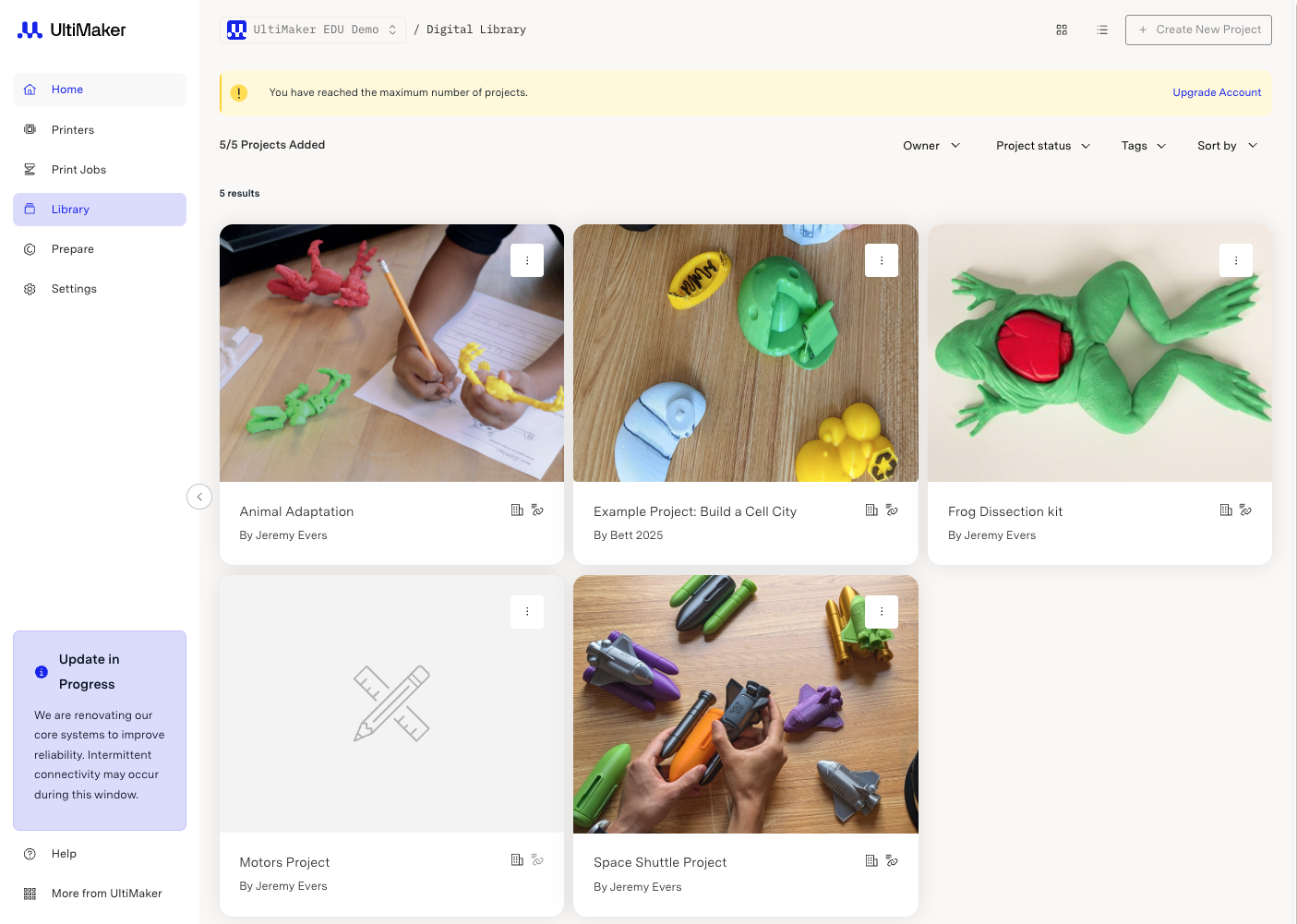
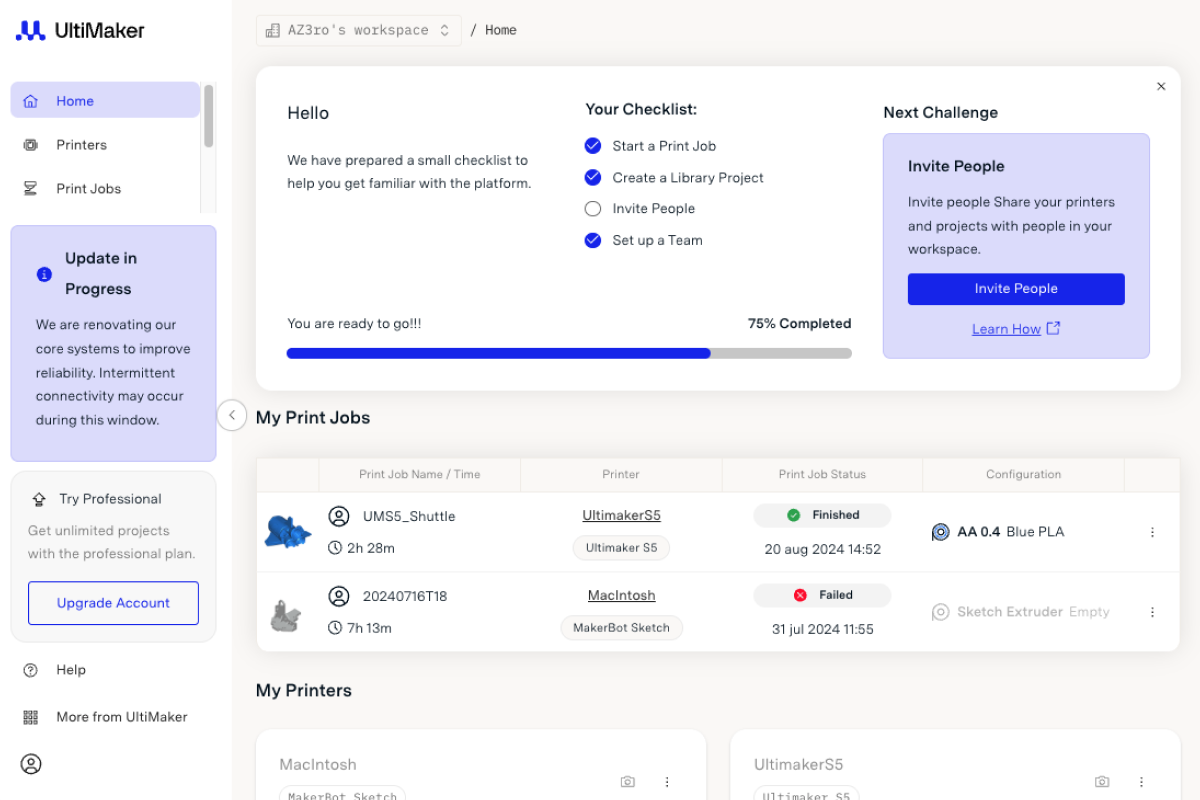
Save your go-to 3D printing projects to your personal library on Digital Factory.

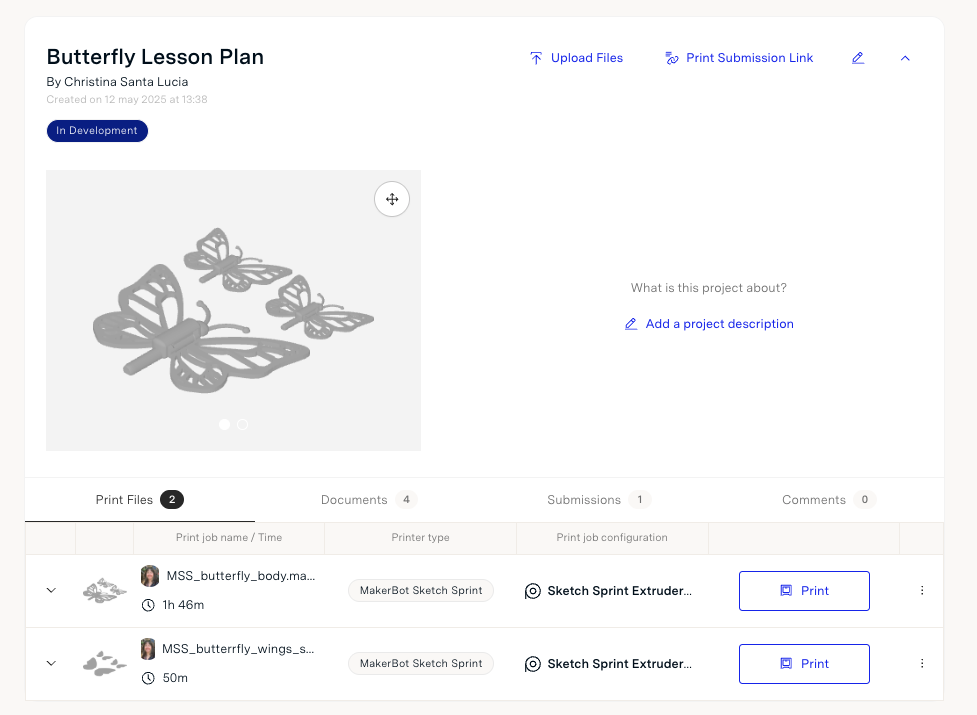
A view at our favorite butterfly camouflage project on Digital Factory.

Library & ProjectsYour digital home for lesson files and print-ready content

Each workspace includes a Library, where you can save up to 5 Projects. Think of Projects as folders for recurring units, print challenges, or student work. Inside a project, you can:

  • Store STL files, GCODE, and PDFs
  • Collect & Review student submissions
  • Leave comments or print notes

Print Submission LinkCollect student files, no accounts needed

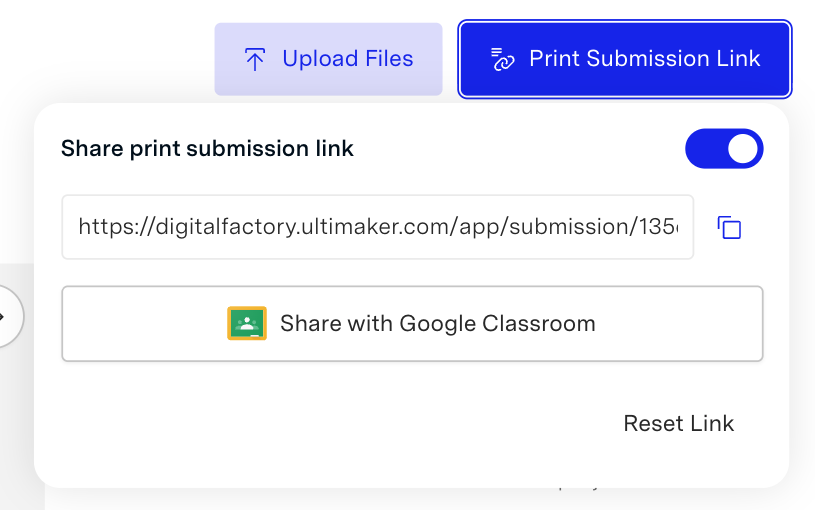
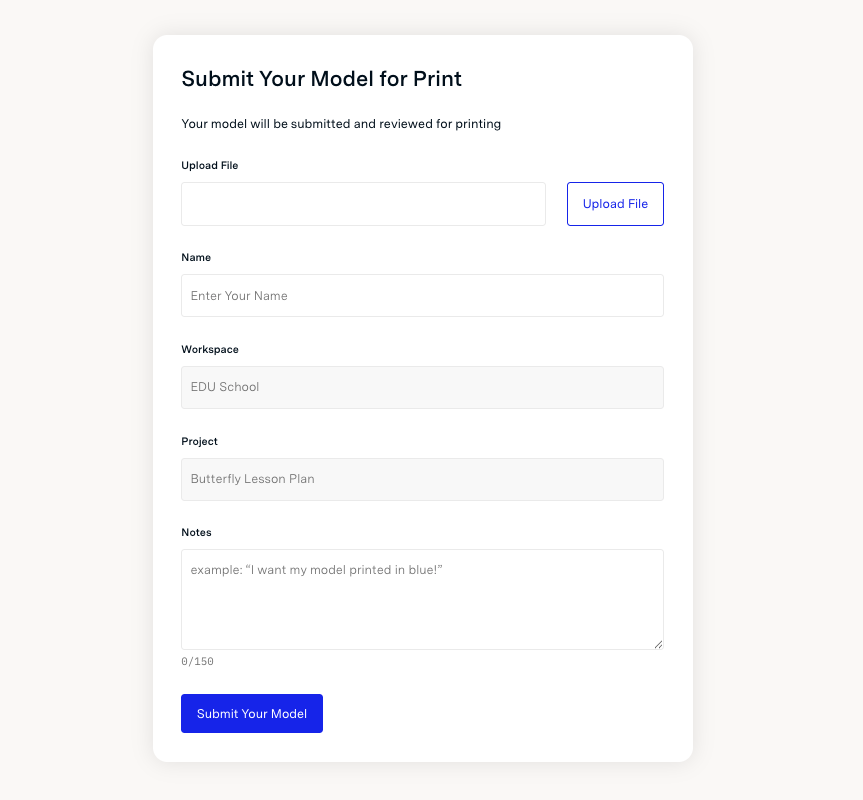
Generate a secure link from any Project to let students upload STL files with optional notes. Submissions appear in your dashboard, ready to review and print—perfect for schools using Google Classroom or Chromebooks.

User CollaborationShare the workload

Invite up to 10 users per workspace—great for co-teachers, aides, or trusted students. Everyone gets admin-level access, allowing them to help review and manage print jobs.

Make receiving student files easy with our Print Submission button.

Student's can upload their 3D models and indicate their print preferences.

Smart Slicing & MonitoringPreview, print, and stay on track

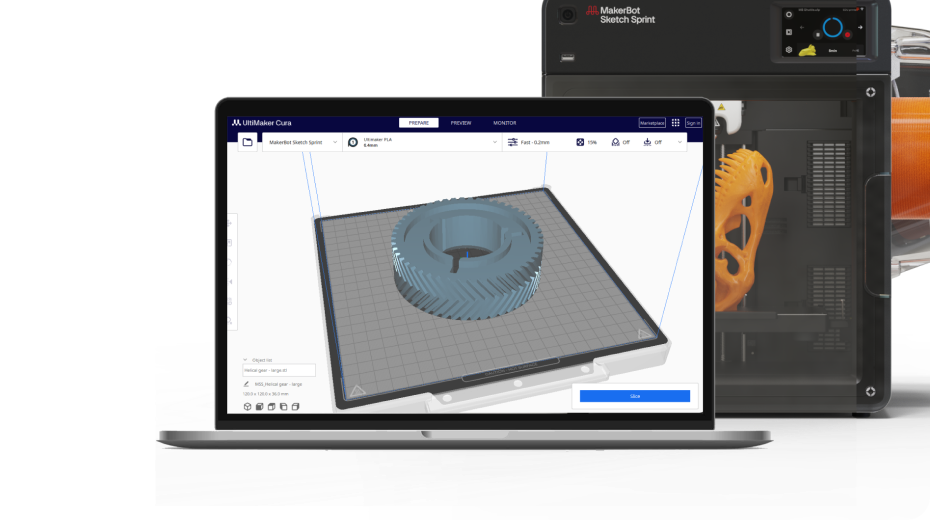
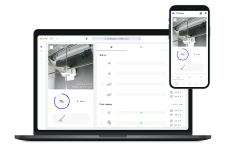
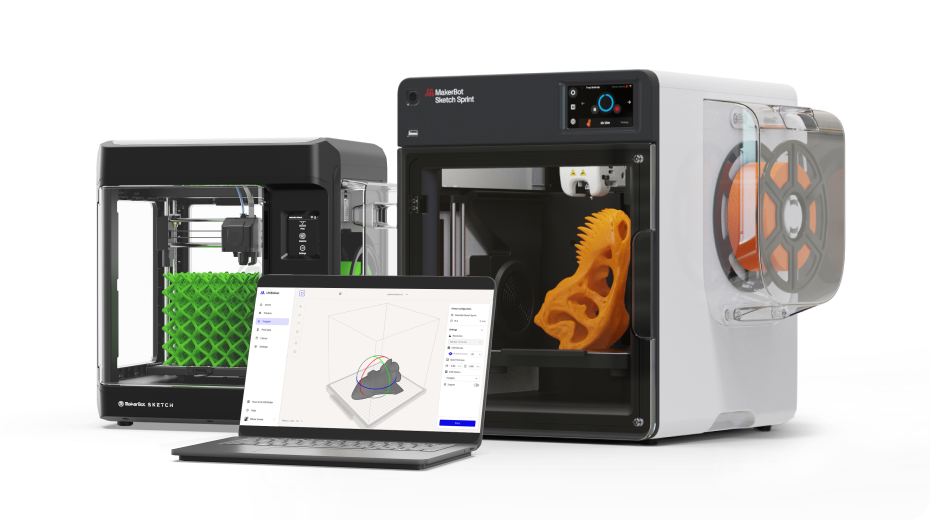
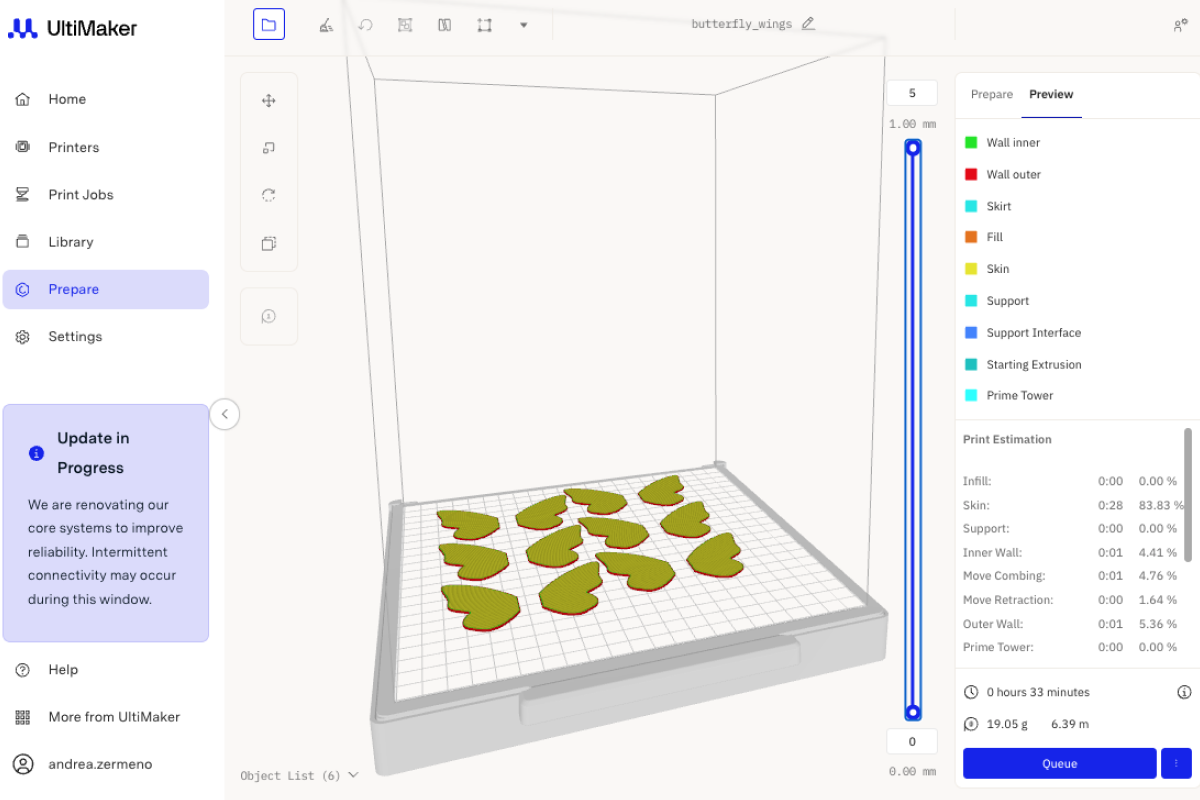
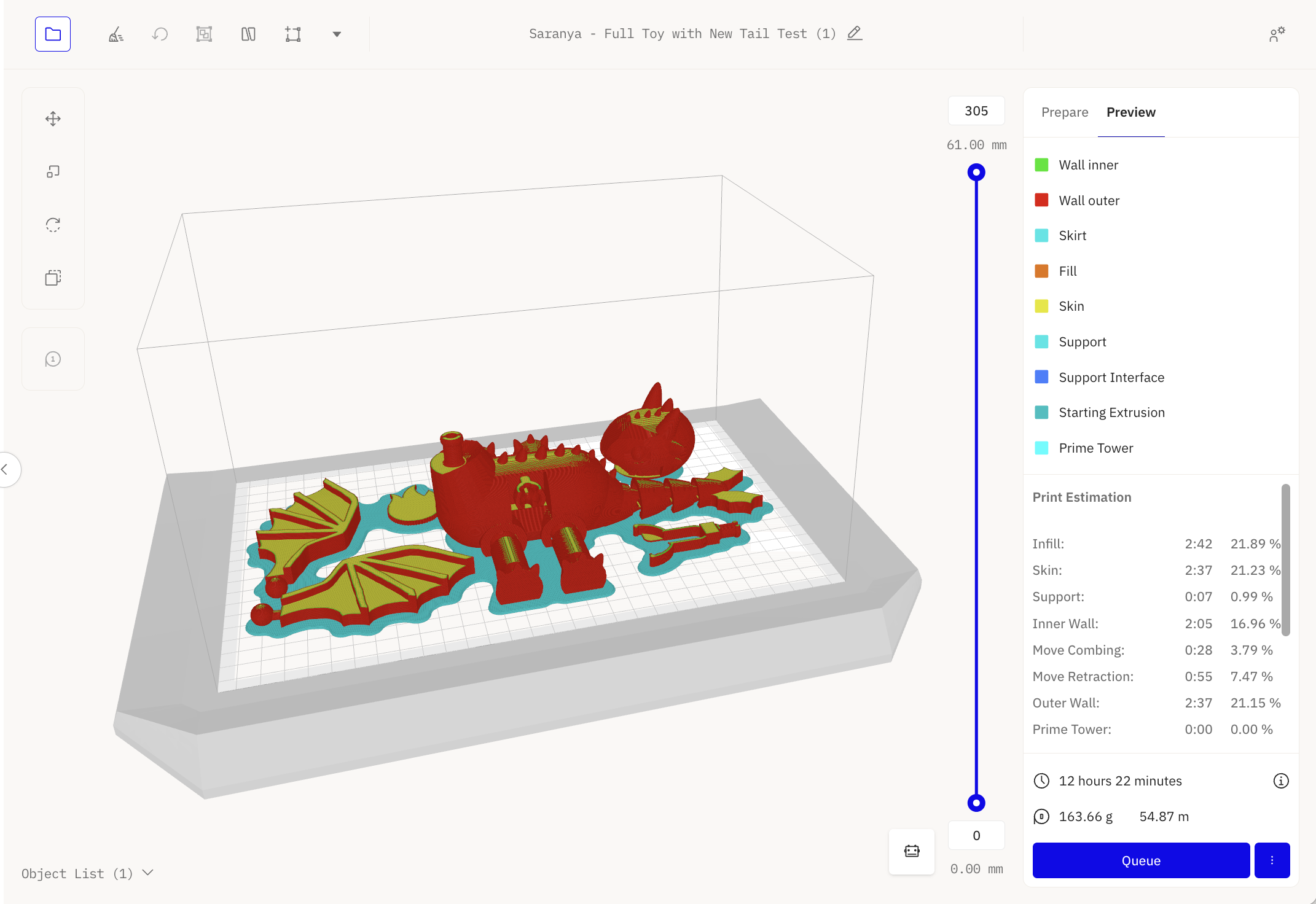
Slice models right in Digital Factory, view time and material estimates, and monitor your connected printers from anywhere. You can even prep files for offline printers.

Google SSOEasy logins for teachers and students

Sign in using Google credentials for a smooth, secure experience—especially helpful in districts already using Google Workspace.

Connect Up to 24 Printers

Create up to 3 workspaces, each supporting 8 connected printers. That’s 24 printers total per account—and if colleagues invite you to their workspaces, you can connect even more.

Don’t need your printers connected? You can still use Digital Factory.

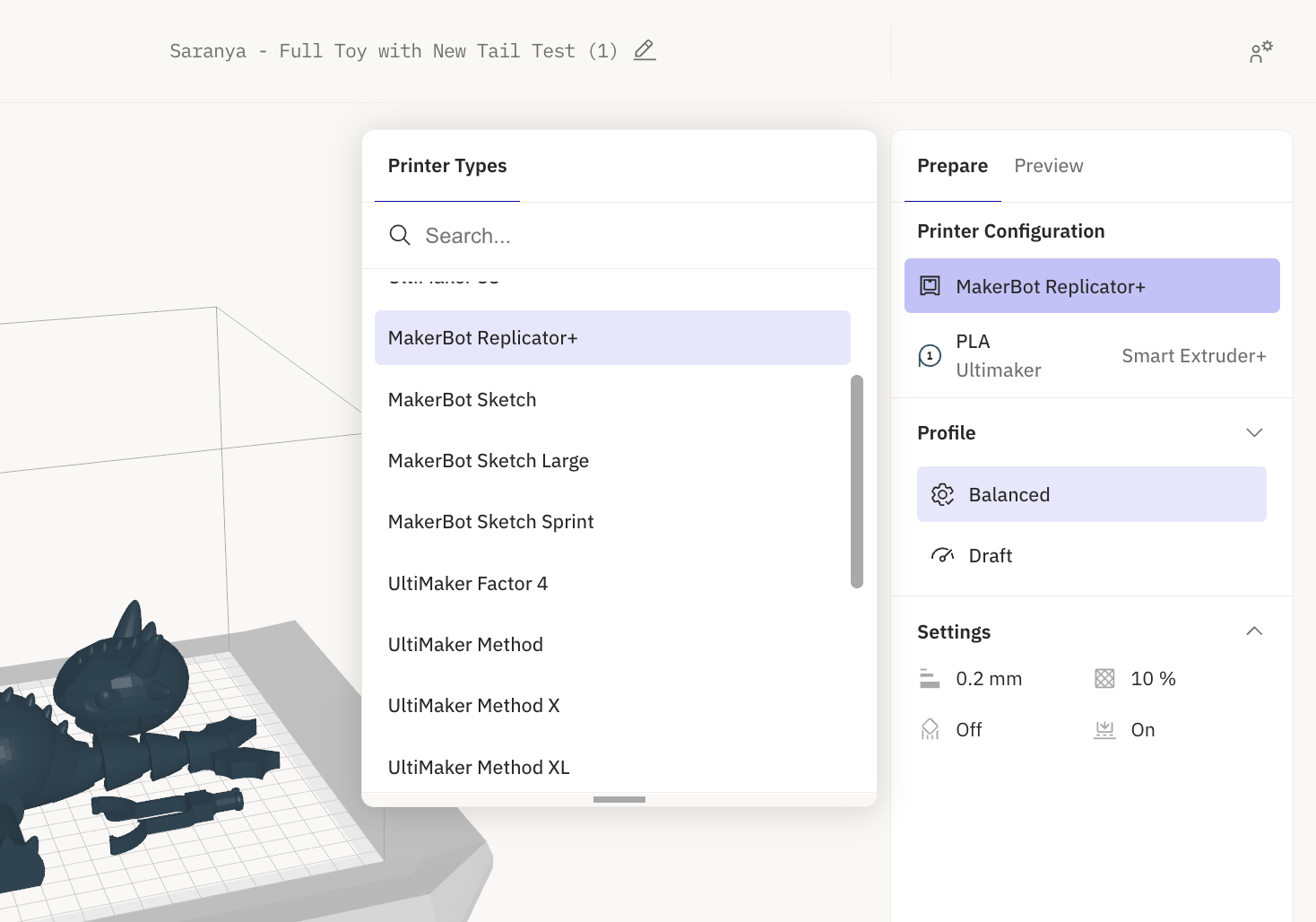
You don’t have to connect every printer to the network to get value from the platform. Digital Factory also supports offline slicing—so you can prep files and generate GCODE for many popular printers even if they’re not online.

Print with older printers without connecting to the printers.

Slice and print with the Replicator+!

Offline slicing is available for:

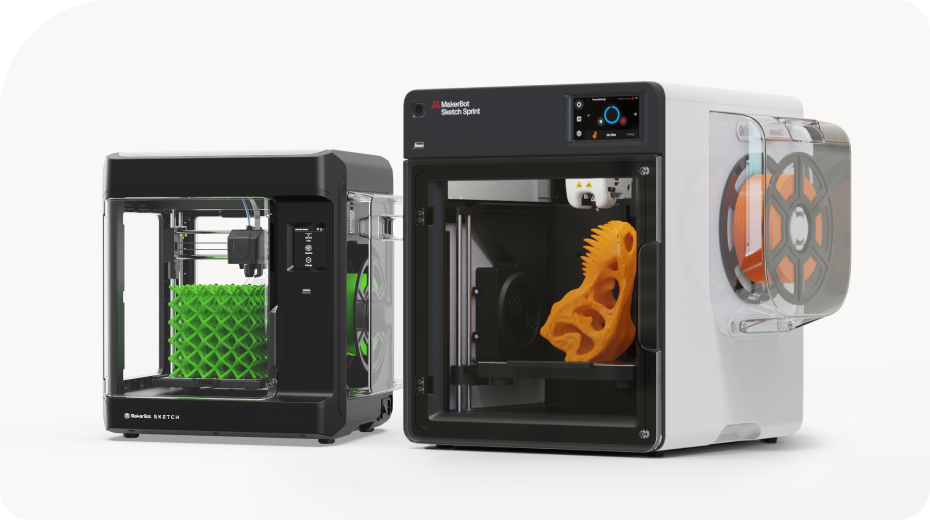
  • MakerBot Sketch, Sketch Large, Sketch Sprint
  • MakerBot Method, Method X, Method XL
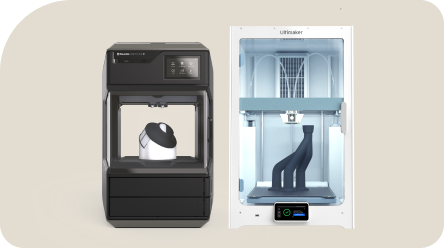
  • UltiMaker S3, S5, S6, S7, S8
  • UltiMaker Factor 4
  • UltiMaker 3, 3 Extended
  • UltiMaker 2+ Connect
  • MakerBot Replicator+

This gives you the flexibility to use Digital Factory for project organization and slicing—even if you're working with legacy printers or don't need cloud-based control.

IT-Friendly and Flexible by Design

Digital Factory isn’t just for teachers—it’s also built to support IT departments and school tech leads who want visibility and control over 3D printing across classrooms.

With the free tier, IT administrators can:

Create and Manage Workspaces

IT can create up to 3 workspaces per account, each with up to 8 connected printers, and assign specific teachers or staff to each workspace.

Assign Roles and Access Levels

Give users different permissions—such as admin, print reviewer, or student role—so that teachers get the right access and control, while IT keeps things secure and centralized.

Support Centralized or Distributed Printing

Whether your school has one shared print lab or multiple classroom-based printers, Digital Factory can adapt. IT can decide how printers are grouped and who manages them.

Best of all? It’s free to set up and manage. No licenses, no extra costs, just better organization and oversight.

Need Even More? Try the Classroom Tier—Free for One Year

If you’re managing multiple classrooms or want extra flexibility with roles and reporting, the Classroom Tier may be a good fit. It’s one of our premium options, but as an educator, you can try it free for one year—no commitment required.

👉 Request Your Activation Code →

Bottom Line: Free Means Free

We built Digital Factory to help educators succeed with 3D printing—and we want it to be something you can count on year after year, without surprise fees. Try it out, explore what’s possible, and know that we’re here to support you every step of the way.

👉 Get Started with Digital Factory →

Looking for Other Options?

We truly believe Digital Factory is the easiest way to manage 3D printing workflows—especially with its built-in project tracking, remote monitoring, and team management tools. But we also understand that every setup is different, and if Digital Factory isn’t the right fit for your needs, we want you to have the tools and resources to succeed elsewhere too.

Here are some alternative slicing tools and software options:

UltiMaker Cura If you’re mainly looking for a slicing tool and prefer deeper customization, Cura is a powerful, flexible option. It doesn’t offer queue or user management like Digital Factory, but it’s widely used and gives you full control over your print settings.

Download Cura →

MakerBot Print (for legacy printers) Still using older MakerBot printers like the Replicator+, Mini, or Z18? MakerBot Print may still work for your setup. Just note that this software is no longer actively supported, so what you see is what you get.

Download MakerBot Print →