Evaluating 3D Printers for Schools: 5 Areas That Matter Most

Andrea Zermeno

May 19, 2026

Most 3D printers weren’t built for schools.


They were built for individuals—people printing at home, on their own time, managing their own files and devices.

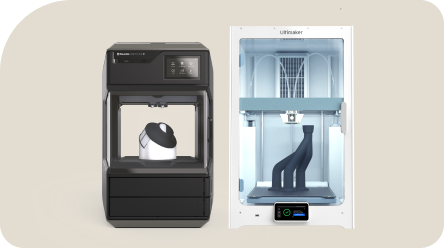
Desktop 3D printing, as most people know it today, grew out of hobbyist and maker communities. Early machines were often assembled, modified, and shared among enthusiasts who were comfortable experimenting, troubleshooting, and managing the entire printing process themselves. Over time, those machines became more polished and accessible, but they largely kept the same assumptions:

  • that one person is operating the printer,
  • that they understand how it works,
  • and that they’re responsible for managing the entire process.

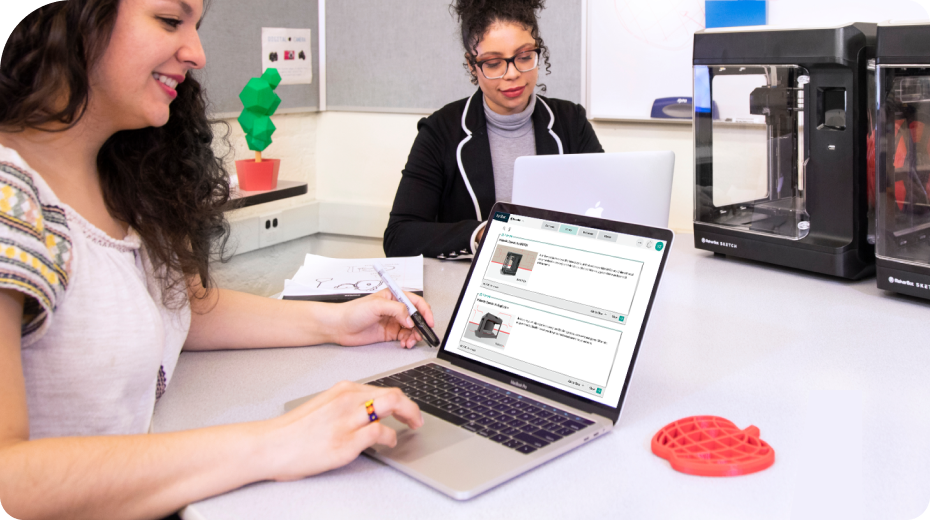
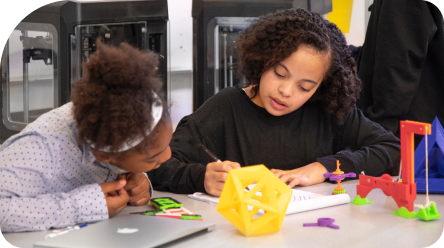
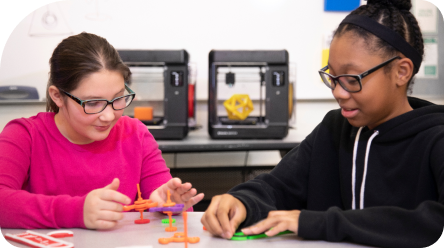
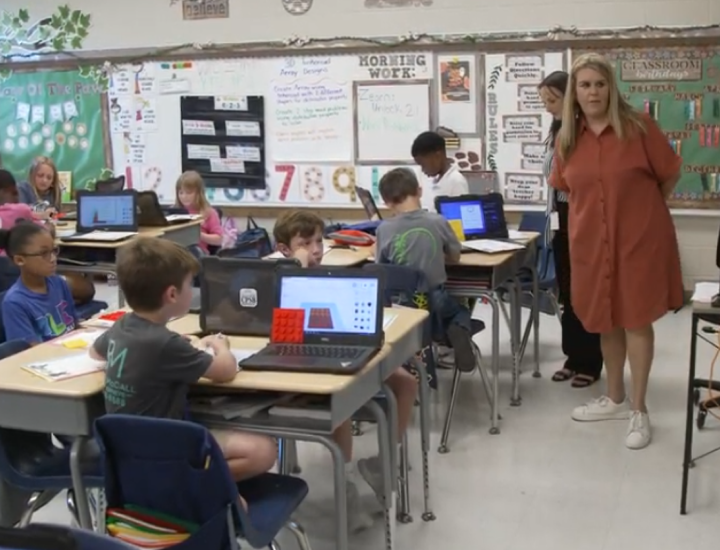
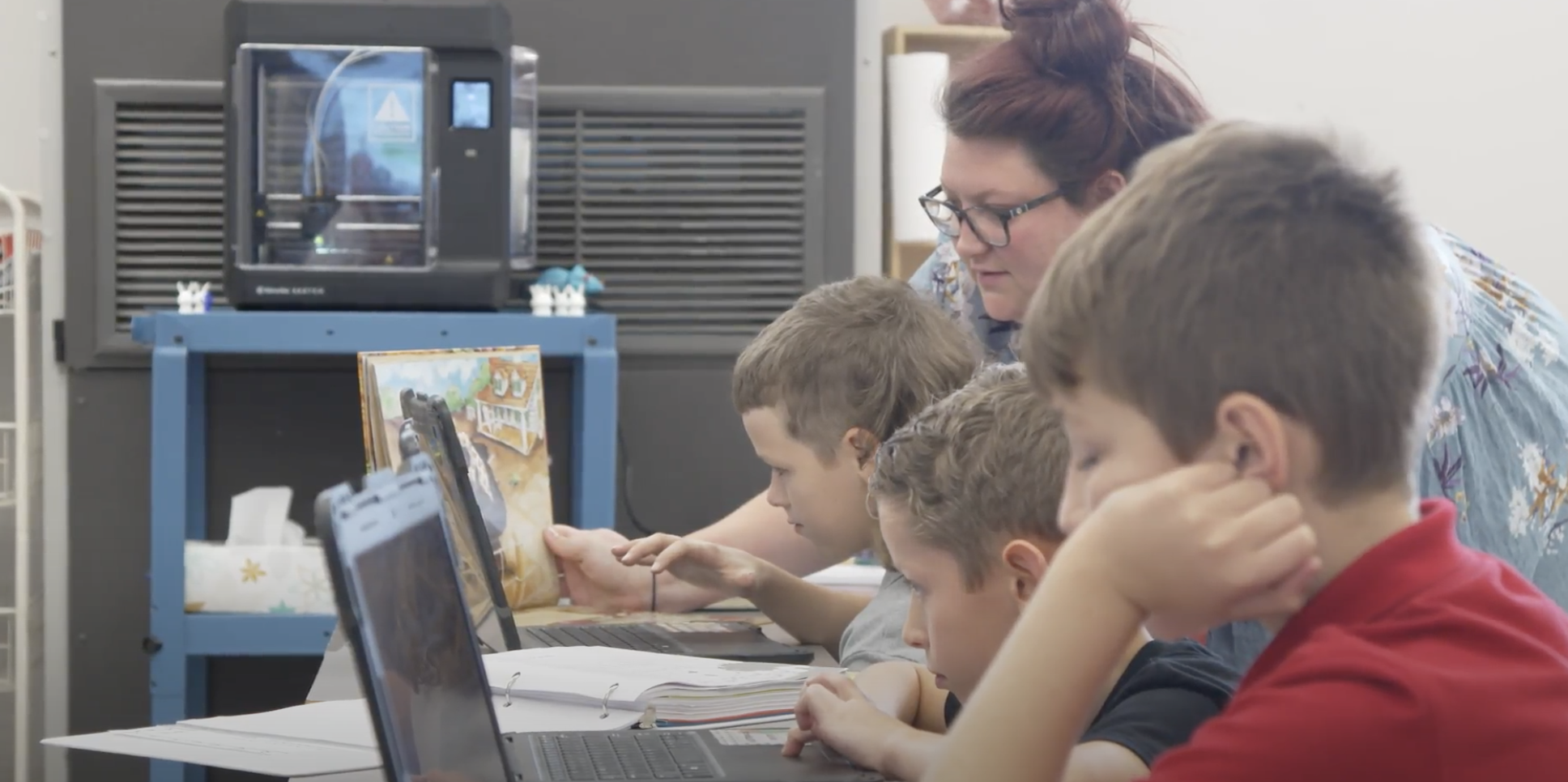
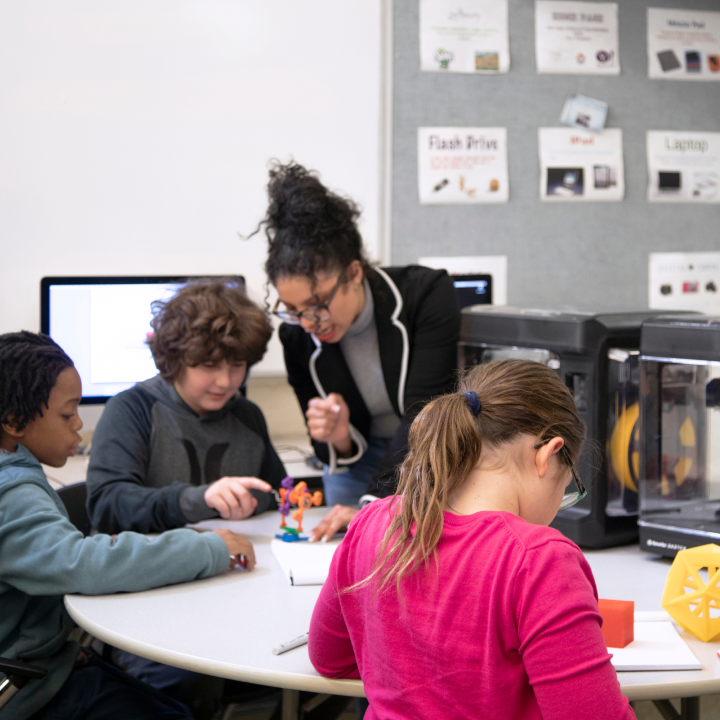
That plays out differently in learning environments such as classrooms. Instead of a single person managing the entire process, there are multiple students working at once, sharing access to the same device, and moving through different stages of design and printing.

There’s also an important distinction: in schools, the primary users aren’t adults—they’re students. That introduces additional considerations around data privacy, access and control, safety and supervision, and school or district compliance.

These aren’t always factors in individual or hobbyist use, but they become essential in classroom environments. Because of that, what works well for a single user doesn’t always translate cleanly to a classroom setting.

“In schools, the primary users aren’t adults—they’re students. That introduces additional considerations around data privacy, access and control, safety and supervision, and school or district compliance.”

What this article will help you understand


So what does that actually mean when you’re trying to find a 3D printer that works in a learning environment?

It means looking beyond the printer itself and thinking about how it will function day-to-day in a classroom setting—how students interact with it, how access is managed, and how it fits within school requirements.

Below are five areas to focus on when assessing different 3D printing solutions for your classroom or school.

1. Access & Control

One of the first things to consider is how access to the printer is managed.

In a classroom setting, printing isn’t just about sending a file to a machine—it’s about coordinating multiple students, reviewing work before it’s printed, and making sure the process stays organized. Without some level of control, it’s easy for printing to become inconsistent or disruptive to the flow of a class.

Where things break:

Too many users, not enough structure

When students are excited about printing, they naturally want to interact with the machine. But without clear controls, things get messy quickly:

  • multiple students trying to print at once
  • prints starting or stopping unexpectedly
  • no clear ownership over what’s being printed

In a classroom, access needs to be intentional—not a developed workaround.

What to look for instead:

Look for a setup where access to the printer is intentionally managed. That includes the ability to control who can interact with the printer itself, rather than relying on whoever is physically at the device through a digital printer lock on the printer.

2. Workflow & File Management

Where things break:

The process around the printer isn’t defined

The biggest challenges usually aren’t technical, they’re actually at the organizational level.

Without a clear workflow, classrooms fall into:

  • USB drives being passed around
  • files sent over email
  • confusion over final versions
  • lost or duplicated projects
  • At small scale, it works. At classroom scale, it doesn’t.

What to look for instead:

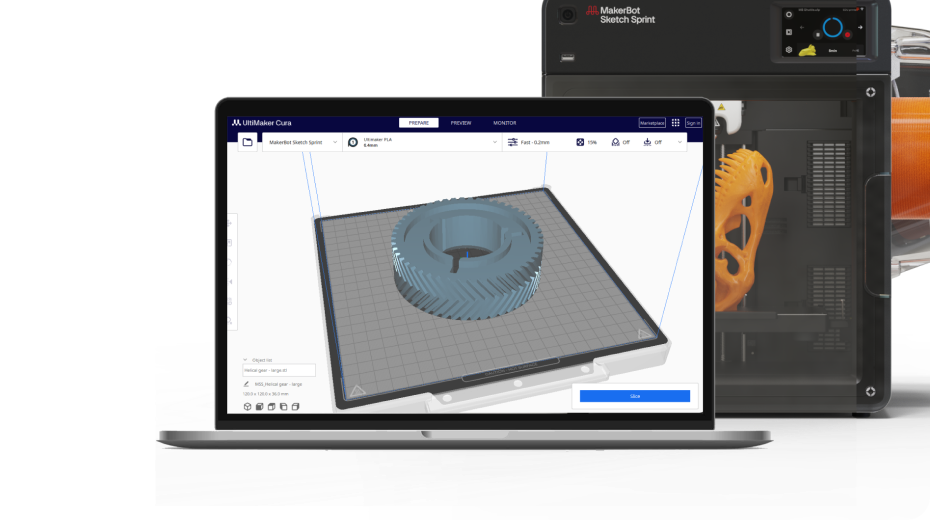
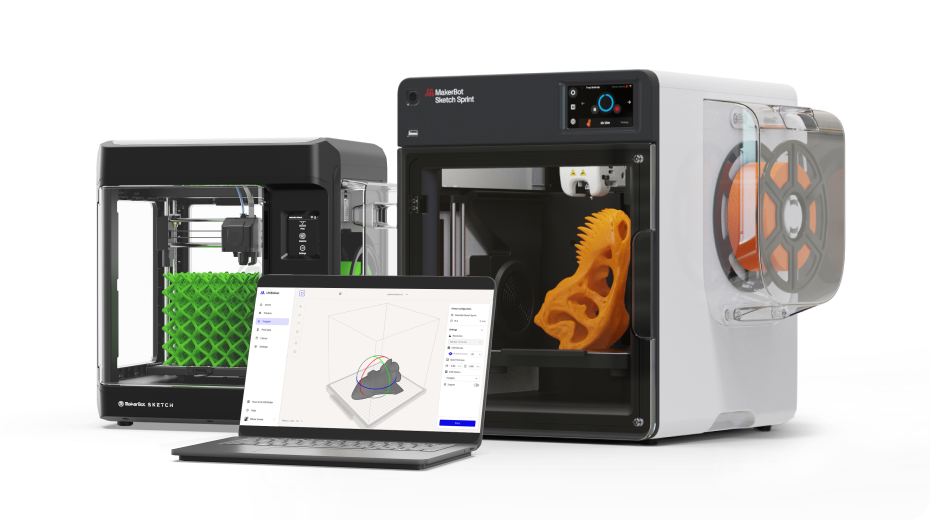
Look for a dedicated, cloud-based platform that provides structured workflows to simplify 3D printing management in the classroom:

  • Centralized File Submission: Use a structured system where students can submit designs directly to a teacher's queue via a Student Submission Link, eliminating the need for individual student accounts or log-ins.
  • Teacher Control and Approval: Ensure the platform supports a clear print approval workflow, allowing teachers to review and approve all print jobs before they start, which helps prevent misuse or interruptions.
  • Role-Based Access and Management: Teachers should be able to control access to the printer itself and manage the entire workflow, including organizing files by class or project in a Digital Library. This also allows for remote monitoring of print jobs and managing queues from a computer.
  • Secure Data Handling: The solution should align with school requirements by offering secure storage for student data and projects, such as utilizing regional hosting (e.g., U.S.-based servers).

"Look for a dedicated, cloud-based platform that provides structured workflows to simplify 3D printing management in the classroom"

3. Safety & Classroom Interaction

Another important area to evaluate is how the printer fits into the physical classroom environment.

Students will naturally want to observe and interact with the printer as it runs. That makes it important to consider how the device is designed for everyday classroom use, including how it handles student interaction and how comfortable teachers feel operating it during a typical class period.

Where things break:

Most printers aren’t designed for student environments

    In a workshop, users are expected to understand the machine. *vs. * In a classroom, students are still learning and naturally curious while not aware of moving, hot parts.

That alone changes the expectation.

Questions come up quickly:

  • Can students safely be around it during a print?
  • Are there exposed hot or moving parts?
  • Is this designed for daily use in a classroom?

What to look for instead:

Enclosed Design: Features that limit exposure to hot or moving parts for student safety.Reliable Operation: Ability to run as part of the classroom environment without requiring constant supervision.Teacher Comfort: An overall design that teachers feel comfortable operating during a normal class period.

4. Air Quality & Environment

Where things break:

Changing classroom conditions aren’t considered. Classrooms aren’t labs. They’re shared spaces used throughout the day.

This means ventilation is often less controlled than in a dedicated lab or workshop, yet 3D printing, depending on the material used, can release Ultra-Fine Particles (UFPs) and Volatile Organic Compounds (VOCs) into the air. When operating a 3D printer for hours at a time, especially in an environment where students spend all day, these airborne byproducts must be taken into account for health and safety.

So even if a printer works well technically, schools still need to ask:

  • What is being emitted during printing?
  • Is this appropriate for a classroom setting?
  • Does this meet school expectations? If those answers aren’t clear, usage often becomes limited.

What to look for instead:

  • Integrated Filtration: Seek printers with built-in HEPA or carbon filtration systems that capture UFPs and VOCs before they enter the classroom air.
  • Safe Material Usage: Prioritize solutions that utilize materials like PLA, which have lower emissions, and provide clear guidance on material safety.
  • Shared Indoor Design: Ensure the device is explicitly certified for use in shared indoor spaces without the need for additional external ventilation or modifications.

5. Approvals & Compliance

Finally, it’s important to think about how the printer fits within school or district expectations.

In many cases, using a 3D printer in a classroom involves more than just setting it up. It may require input from IT, facilities, or administration, as well as documentation around safety and compliance. Planning for those requirements ahead of time can make implementation much smoother.

Where things break:

Approval happens after the purchase This is one of the most common challenges schools run into.

A printer is purchased… Then it needs:

  • IT approval
  • safety review
  • documentation
  • administrative sign-off

If those pieces aren’t ready, implementation slows—or stops.

What to look for instead:

Look for a solution that aligns with school and district requirements from the start. This includes having clear, available documentation for the necessary administrative reviews:

  • Safety/Facilities Review: The device should be designed to meet industry safety guidelines, such as UL 2904, and provide certification and documentation to confirm it is safe for classroom use.
  • IT & Data Privacy Review: Documentation should address how student files and data are handled, supporting common school concerns around data privacy and device access.
  • Administrative/District Approval: Ensure documentation around compliance and materials is available to support the overall approval process.

Being able to provide this information early can prevent delays between purchase and classroom use. It's helpful to reach out to the manufacturer or reseller directly to confirm what documentation is available and whether it can be provided during the approval process.

"Think about how the printer fits within school or district expectations."

Why this matters

When you look at 3D printing through this lens, it becomes less about comparing individual features and more about how well a solution fits into the classroom environment as a whole. The areas outlined above—access, workflow, safety, air quality, and compliance—are where that fit tends to show up in practice.

At MakerBot, this is exactly how we think about building for education.

We know that bringing a 3D printer into a classroom isn’t just about the technology—it’s about finding something that works for your students, fits into your day-to-day teaching, and aligns with the expectations of your school or district. As classroom needs continue to evolve, we’ve focused on designing solutions that better support how 3D printing is actually used in learning environments.

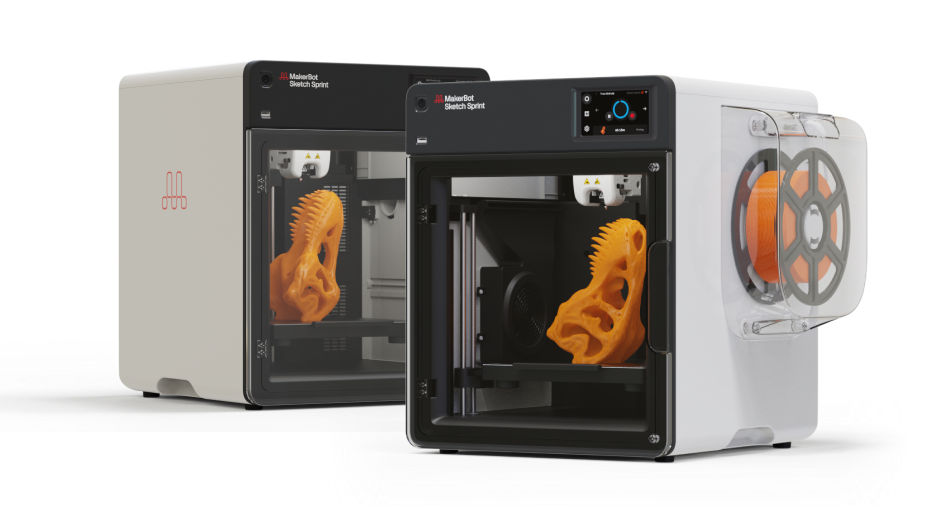
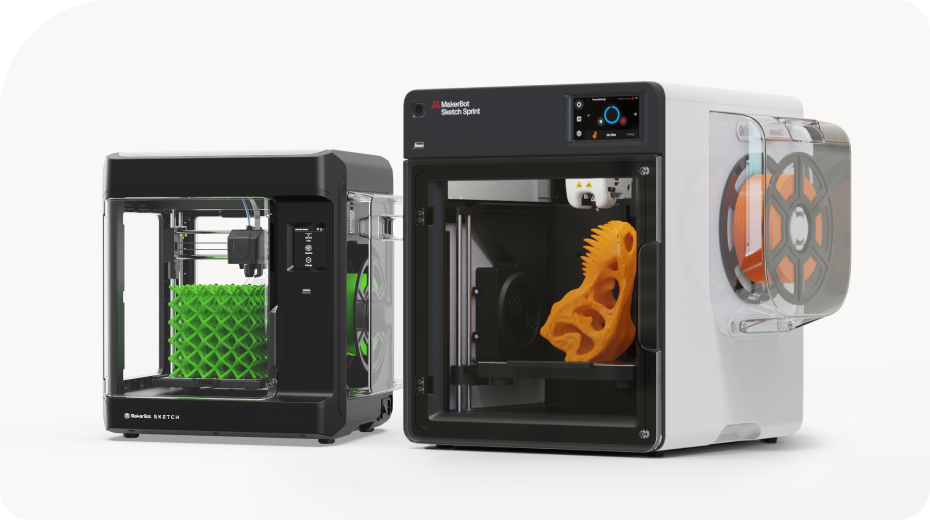
That’s where the MakerBot Sketch Sprint comes in.

It was built specifically with these classroom considerations in mind:

  • Access and control: Teachers can manage who interacts with the printer and when prints are started, helping keep classroom workflows organized.
  • Workflow and file management: Students can submit their work in a structured way, making it easier to review, organize, and manage prints across classes—without adding unnecessary friction.
  • Safety and classroom interaction: The enclosed design and overall build reflect the reality of student use, making it something teachers can feel comfortable running during a normal class period.
  • Air quality and environment: Integrated filtration and material compatibility are designed to support consistent use in shared classroom spaces.
  • Approvals and compliance: Documentation around safety, materials, and compliance is available to help support school and district approval processes.

Taken together, these elements are designed to work as part of a system that aligns with how classrooms actually operate—not just how a single user might interact with a printer.

The goal isn’t just to provide a 3D printer. It’s to make it easier for 3D printing to work in the classroom from day one.

If you’re exploring how to bring 3D printing into your school, keeping these considerations in mind—and choosing a solution designed around them—can make a meaningful difference in how successful that experience is.

Have questions about our 3D printers? Fill out this form to start a conversation today.