[Video Series] From CAD to Classroom Engineering: Helping Students Design Like Real Engineers

Andrea Zermeno

March 31, 2026

There’s a point most classrooms hit when they start using 3D printing.

Students learn the basics. They get comfortable with design tools. They start creating their own models. And then… things plateau.

As students gain confidence with CAD, the next challenge is helping them move beyond basic modeling and into functional, real-world design. This series was created to help make that transition easier.

That’s why we worked with educator Brian Bobbitt to build a series of videos focused on helping students take that next step.
Welcome to our hands-on video series designed to help students move beyond basic CAD and start designing functional, real-world parts using Fusion (formally Fusion 360). It’s not just about how to use the software, it’s about understanding how design, materials, and printing all connect.

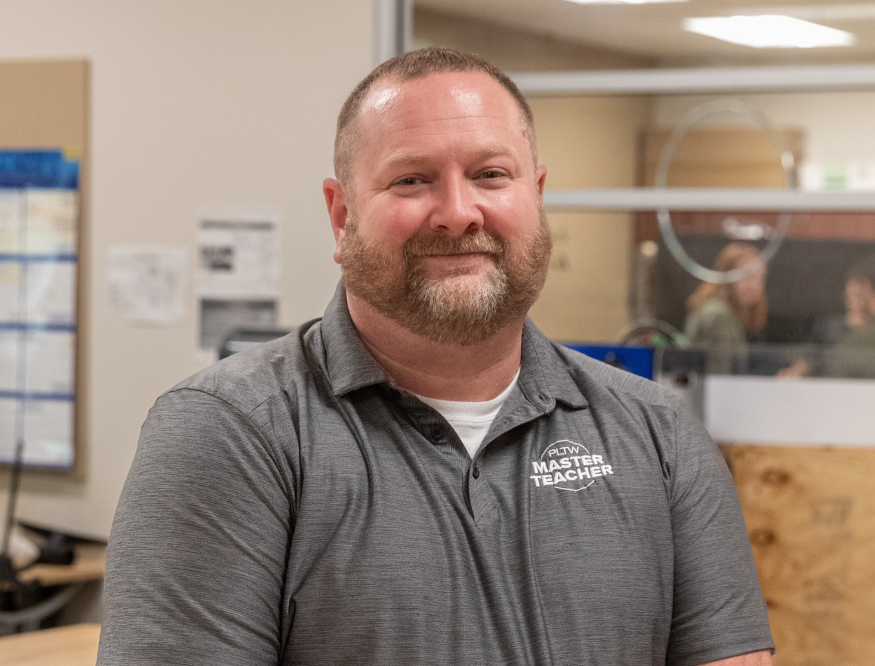
This video series is lead by Brian Bobbitt, a Project Lead The Way educator who’s spent years teaching students how to think through design—not just how to use the tools. His work focuses on helping students understand how their design decisions impact what actually gets printed.

Across the series, students will explore:

  • Designing for motion, not just shape
  • Understanding tolerances and clearances
  • Working with flexible materials like TPU
  • Creating parts that are meant to be used, not just displayed

    Each video builds on the last, giving students a clearer path from basic modeling into more advanced, engineering-focused design.

Start the Series >

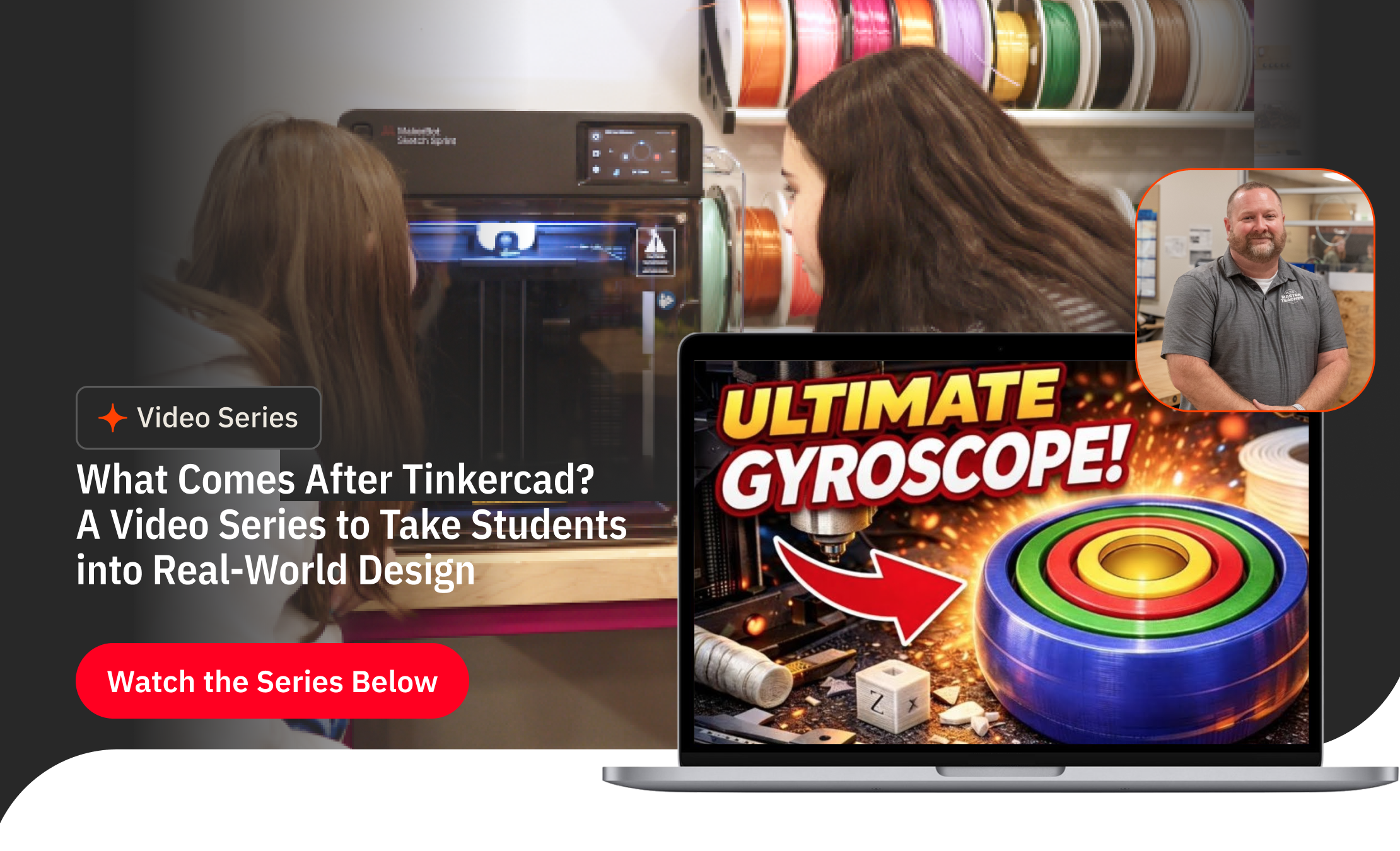
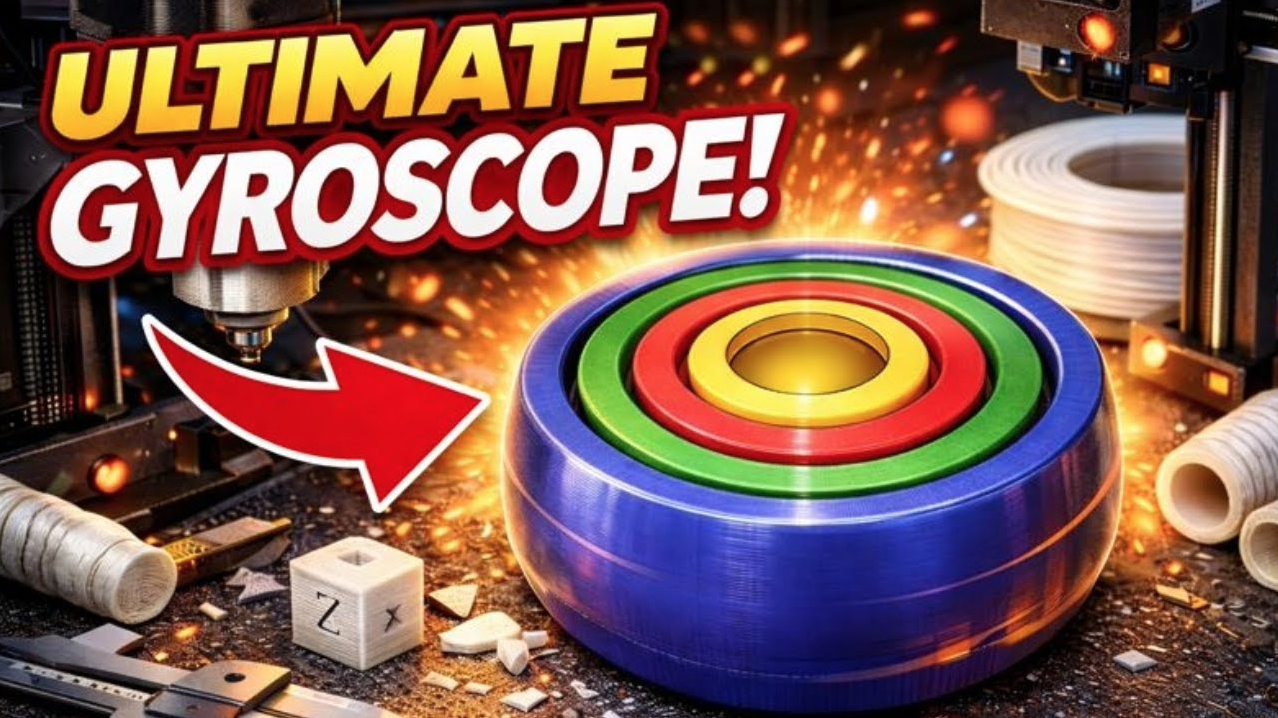
Video 1: CAD to Spin: A 3D-Printed Gyroscope

Introducing motion, tolerances, and functional design

This first video uses a gyroscope to introduce one of the most important ideas in design: movement.

It’s a simple project, but it opens the door to understanding how clearances and constraints affect whether something actually works once it’s printed.

What students will learn:

  • How to create and constrain sketches in Fusion 360
  • How to use the revolve tool to build functional geometry
  • What tolerances and clearances are—and why they matter
  • How to design parts that move instead of fusing together
  • How to take a model from CAD into a slicer for printing
  • Understanding materials through real-world application


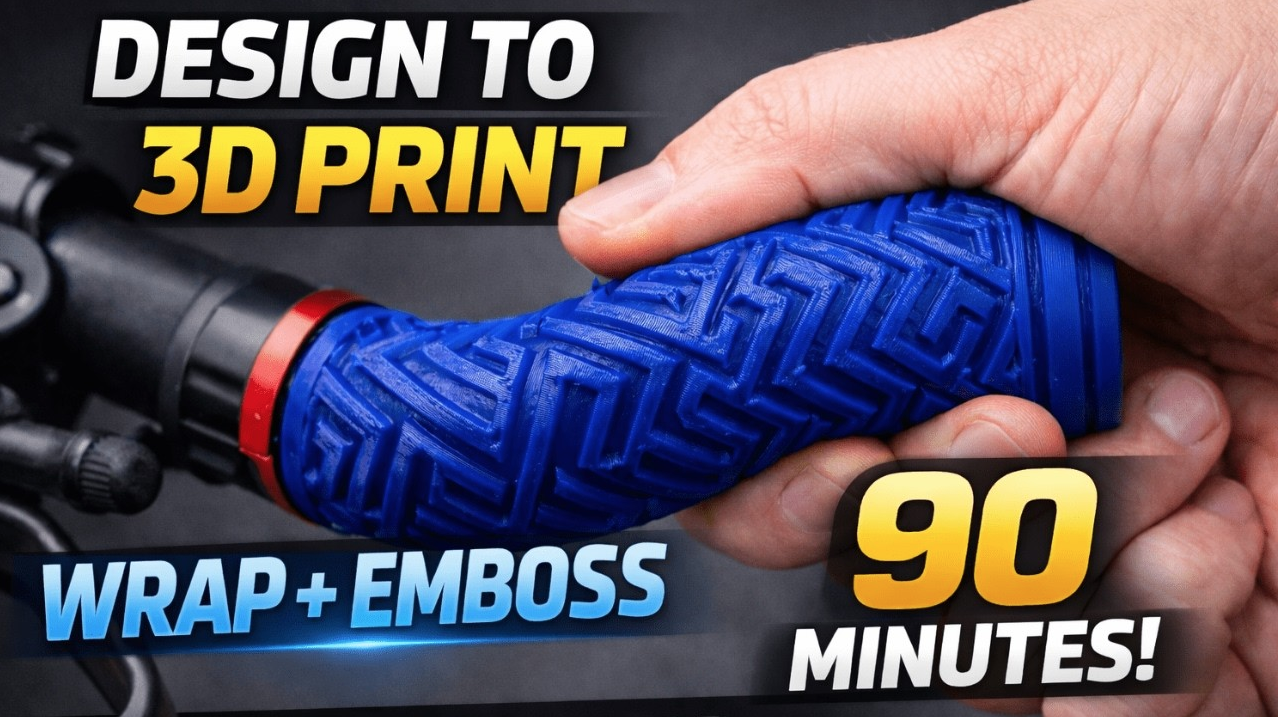
Video 2: Designing with TPU: A Flexible Bicycle Handle

The second video shifts into materials, specifically TPU. Introducing materials beyond PLA helps students start thinking about function, not just form. This opens the door to projects like grips, wearables, and other real-world applications.

What students will learn:

  • How TPU behaves compared to rigid materials like PLA
  • When and why to use flexible materials in a design
  • How to create a revolved part for a real-world application
  • How to convert images into SVGs for use in CAD
  • How to wrap and emboss patterns onto curved surfaces
  • How to prepare and orient flexible parts for printing


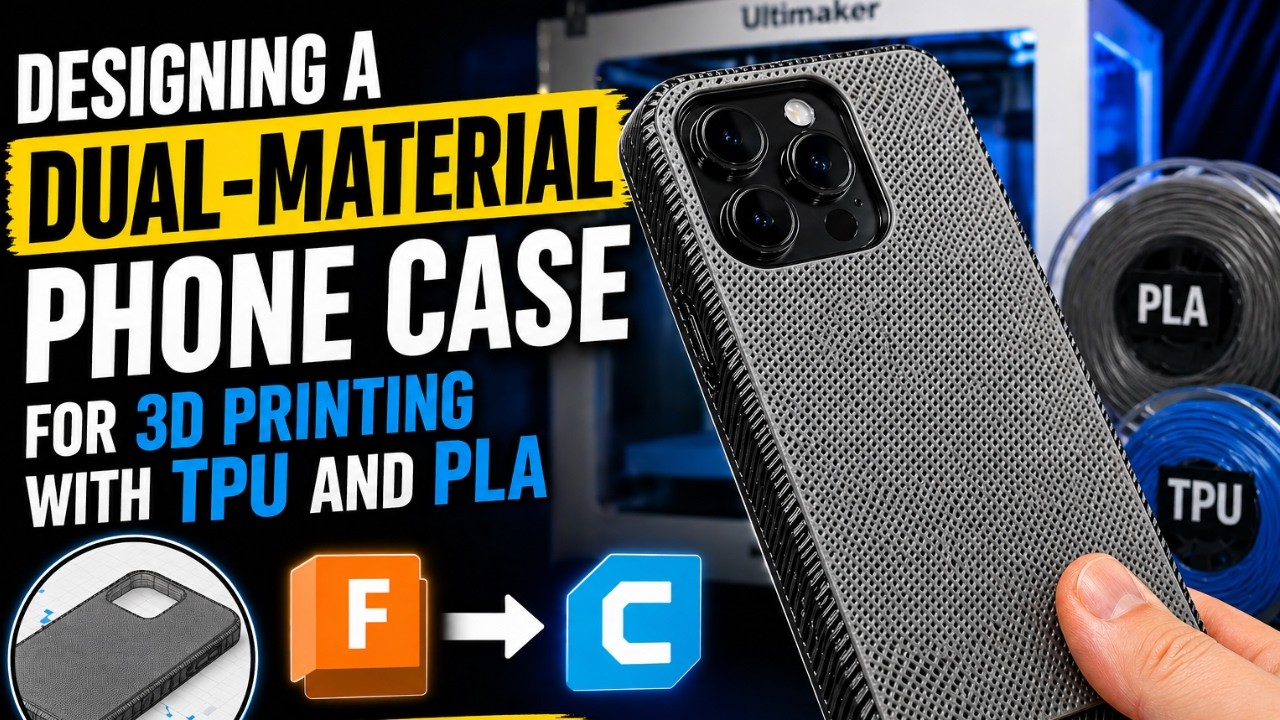
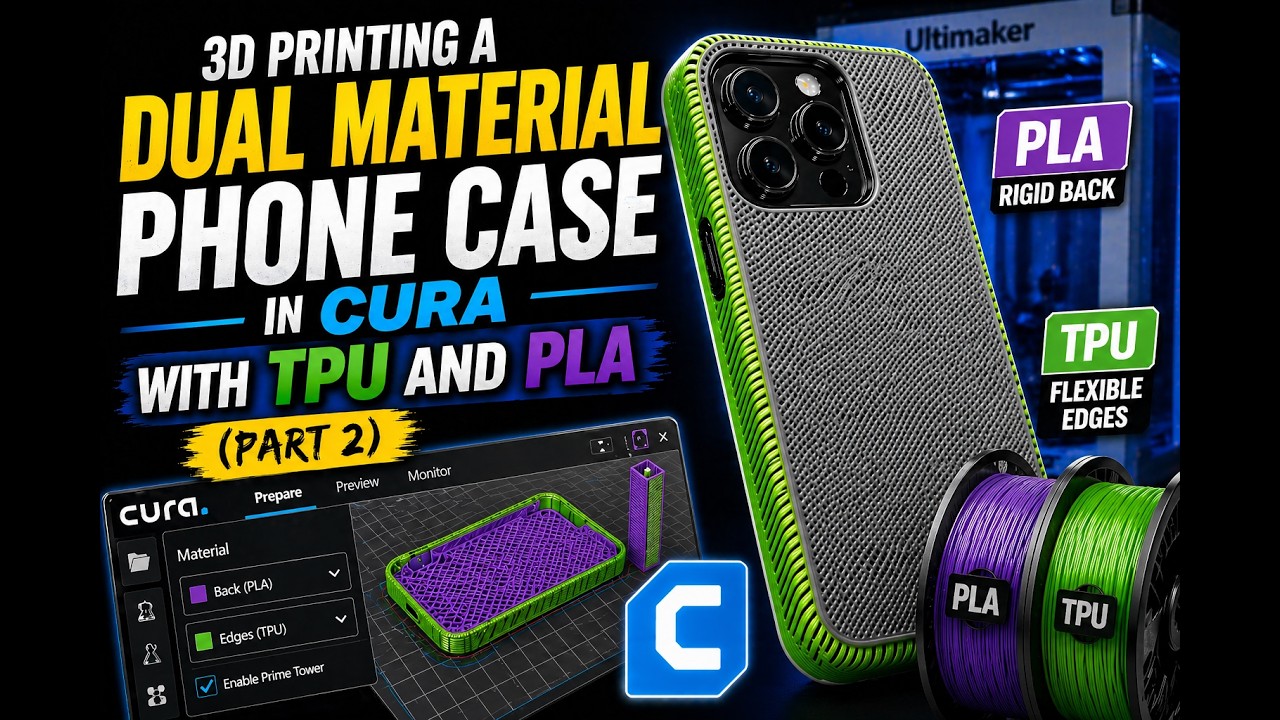
Video 3: Designing & 3D Printing a Dual-Material Phone Case with TPU and PLA (Part 1)

This project introduces students to designing for multi-material printing by combining rigid and flexible materials in a single model.

What students will learn:

  • How to design a phone case specifically for dual-material 3D printing
  • When to use rigid materials like PLA versus flexible materials like TPU
  • How clearances and tolerances affect the fit and function of a finished part
  • Design strategies that help multiple materials bond together successfully
  • How to prepare a CAD model for multi-material printing


Video 4: Designing & 3D Printing a Dual-Material Phone Case with TPU and PLA (Part 2)

The fourth video shifts from design into manufacturing, showing students how to prepare a multi-material model for printing in Cura.

What students will learn:

  • How to import and position a dual-material model in Cura
  • How to assign PLA and TPU to the correct parts of a design
  • How Cura's interlocking feature helps different materials bond together
  • Tips for improving adhesion between flexible and rigid materials
  • Slicer settings that help prevent print failures


What’s Coming Next

In the next set of videos, Brian builds on these fundamentals and moves into more advanced, real-world applications of CAD and 3D printing, including:

  • Using generative design tools to create more complex, optimized parts
  • Working with dissolvable support materials to unlock new geometries
  • Designing print-in-place mechanisms with moving components
  • Making design decisions that reduce print time, material use, and failed prints

    Each project builds on the last, giving students a clearer path from basic modeling into more advanced, engineering-focused design.

The Tools Behind the Series


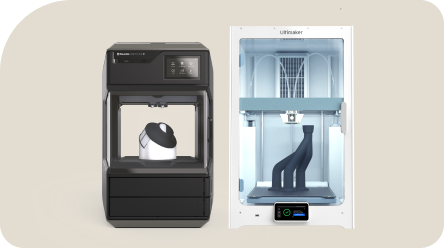
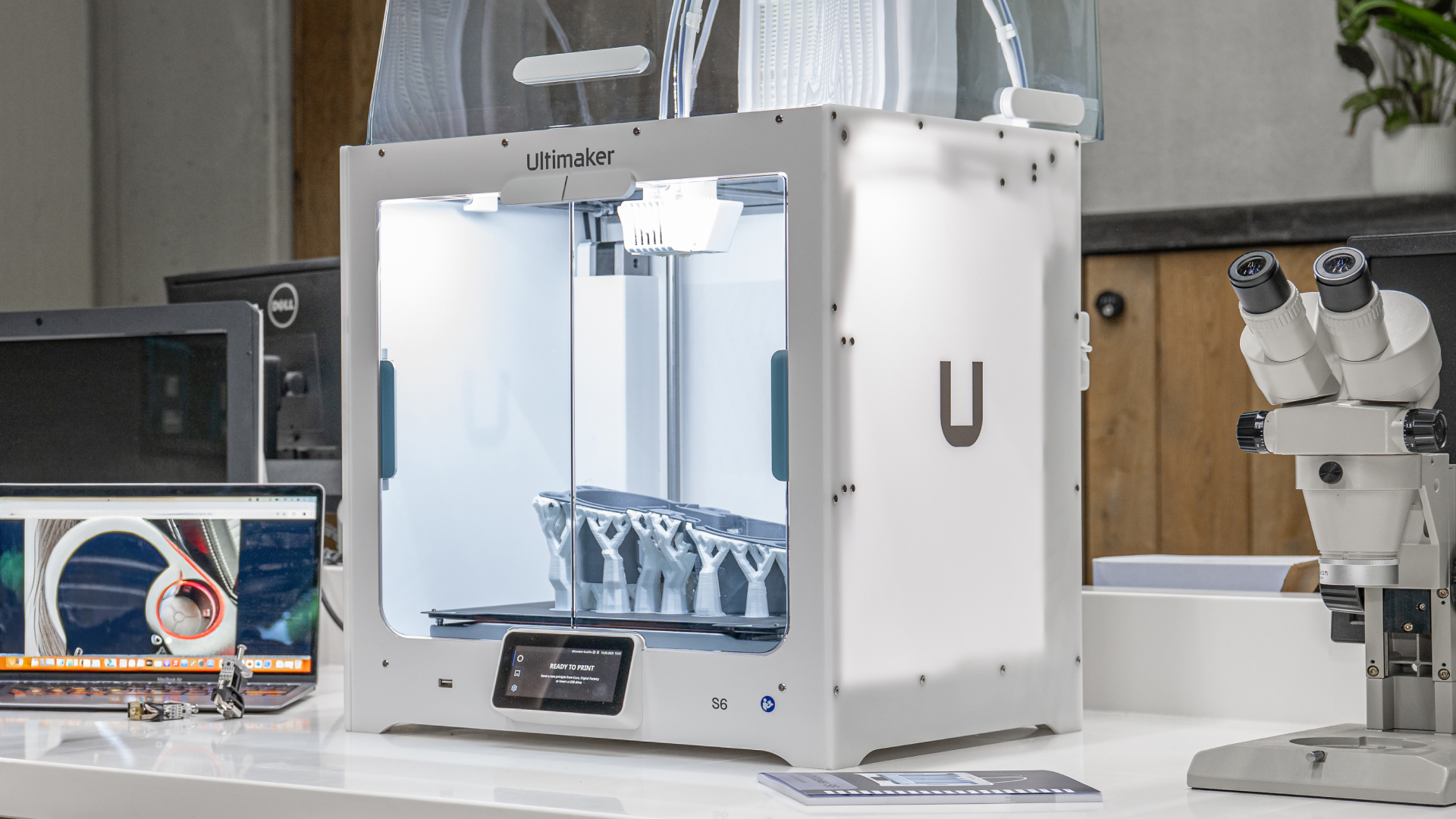
Throughout this series, Brian is using the UltiMaker S6 along with UltiMaker Cura to take designs from CAD to print.

One of the key advantages of the S6 is its ability to print with multiple materials using dual extrusion. That means students aren’t limited to a single material like PLA—they can start combining materials to design parts that are both rigid and flexible, or that require support structures that can be removed cleanly after printing.

This becomes especially important as the series progresses. Projects like the flexible handle and upcoming dual-material designs rely on being able to assign different materials to different parts of a model—something that mirrors how real-world products are designed and manufactured.

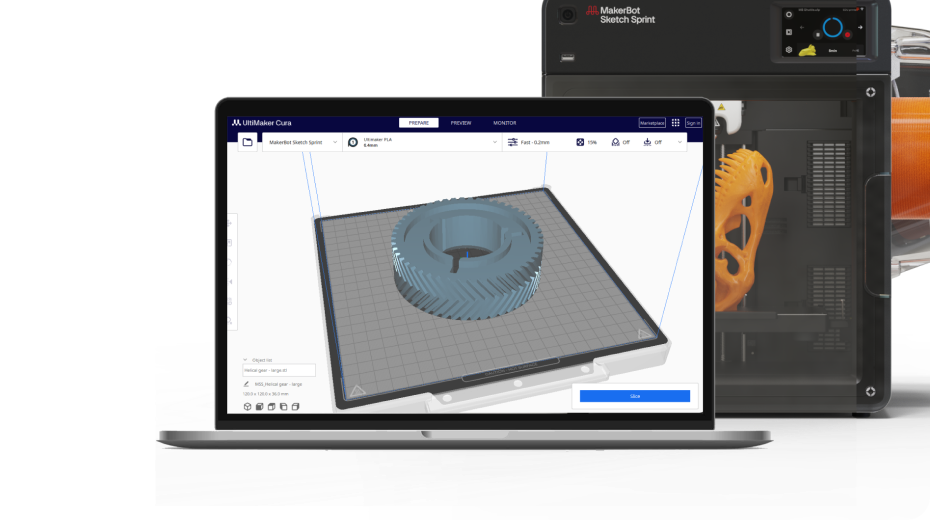
On the software side, Cura makes it possible to manage those material assignments, adjust print settings, and prepare more complex prints without adding unnecessary complexity for the classroom.

👉[Learn more about the UltiMaker S6]](https://www.makerbot.com/3d-printers/ultimaker-s6/)

About Brian Bobbitt

Brian Bobbitt is a Project Lead The Way Master Teacher who teaches engineering and design at the secondary level.
His work focuses on helping students move beyond basic modeling into real-world problem solving—connecting CAD, materials, and manufacturing in ways that make sense in the classroom.
In addition to teaching, Brian develops curriculum and shares classroom-ready projects that help educators bring more advanced 3D design into their programs.
You can explore more of his work at 3dbrian.com or on his YouTube channel, Brian Bobbitt 3D YouTube Channel.